Testing Mastery
Building Mock HTTP Clients
March 17, 2026
5 min read
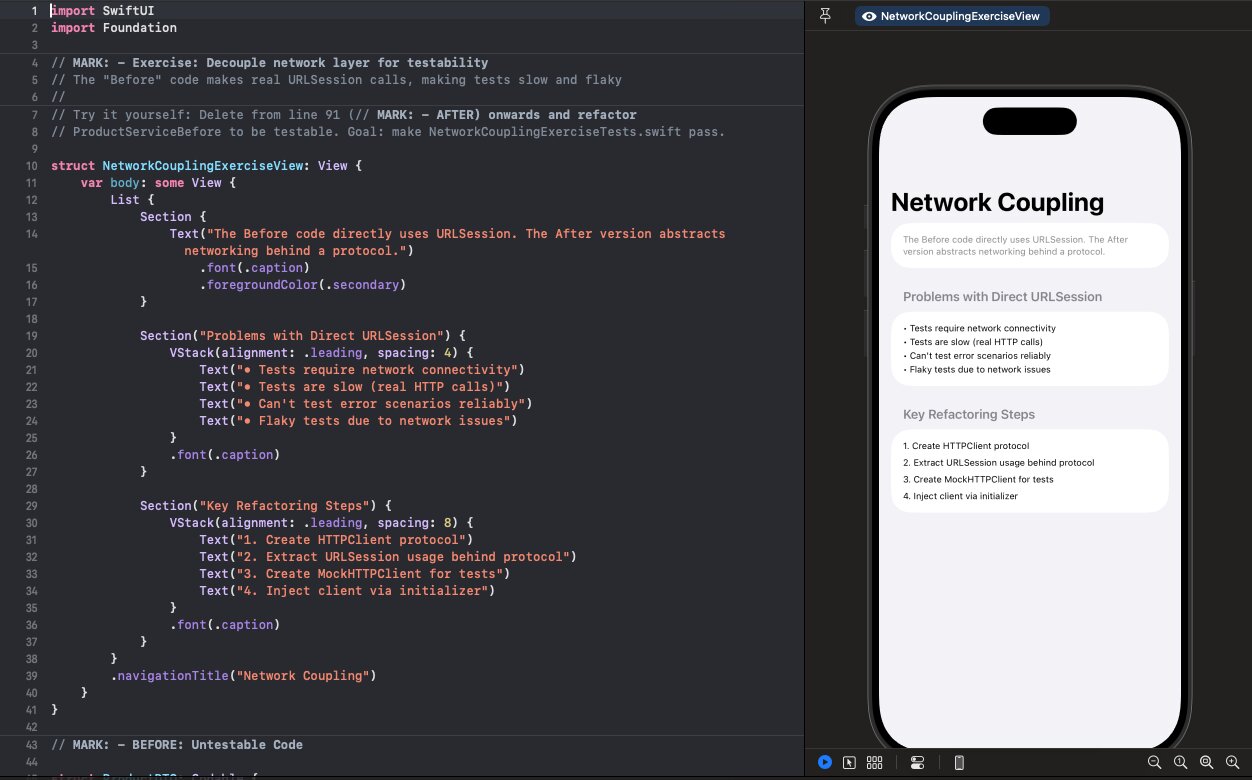
You've got the protocol. Now you need something to inject during tests.
Follow along with the code: iOS-Practice on GitHub
The Mock HTTP Client
A mock HTTP client lets you control exactly what your service receives:
class MockHTTPClient: HTTPClient {
    var dataToReturn: Data = Data()
    var responseToReturn: URLResponse = HTTPURLResponse(
        url: URL(string: "https://test.com")!,
        statusCode: 200,
        httpVersion: nil,
        headerFields: nil
    )!
    var errorToThrow: Error?
    var requestedURLs: [URL] = []

    func data(from url: URL) async throws -> (Data, URLResponse) {
        requestedURLs.append(url)
        if let error = errorToThrow { throw error }
        return (dataToReturn, responseToReturn)
    }

    func data(for request: URLRequest) async throws -> (Data, URLResponse) {
        if let url = request.url {
            requestedURLs.append(url)
        }
        if let error = errorToThrow { throw error }
        return (dataToReturn, responseToReturn)
    }

    // Helper to configure responses
    func setResponse(statusCode: Int) {
        responseToReturn = HTTPURLResponse(
            url: URL(string: "https://test.com")!,
            statusCode: statusCode,
            httpVersion: nil,
            headerFields: nil
        )!
    }
}
Using the Mock in Tests
class ProductServiceTests: XCTestCase {
    var mockClient: MockHTTPClient!
    var service: ProductService!

    override func setUp() {
        mockClient = MockHTTPClient()
        service = ProductService(httpClient: mockClient)
    }

    func test_fetchProducts_decodesResponse() async throws {
        // Arrange
        let products = [
            Product(id: 1, name: "iPhone", price: 999),
            Product(id: 2, name: "MacBook", price: 1999)
        ]
        mockClient.dataToReturn = try JSONEncoder().encode(products)

        // Act
        let result = try await service.fetchProducts()

        // Assert
        XCTAssertEqual(result.count, 2)
        XCTAssertEqual(result[0].name, "iPhone")
    }

    func test_fetchProducts_usesCorrectURL() async throws {
        // Arrange
        mockClient.dataToReturn = try JSONEncoder().encode([Product]())

        // Act
        _ = try await service.fetchProducts()

        // Assert
        XCTAssertEqual(
            mockClient.requestedURLs.first?.absoluteString,
            "https://api.example.com/products"
        )
    }
}
Testing Error Scenarios
The mock makes error testing trivial:
func test_fetchProducts_whenServerReturns500_throwsError() async {
    // Arrange
    mockClient.setResponse(statusCode: 500)

    // Act & Assert
    do {
        _ = try await service.fetchProducts()
        XCTFail("Expected error")
    } catch {
        XCTAssertEqual(error as? NetworkError, .invalidResponse)
    }
}

func test_fetchProducts_whenNetworkFails_throwsError() async {
    // Arrange
    mockClient.errorToThrow = URLError(.notConnectedToInternet)

    // Act & Assert
    do {
        _ = try await service.fetchProducts()
        XCTFail("Expected error")
    } catch {
        XCTAssertTrue(error is URLError)
    }
}
What You Can Now Test
| Scenario | How to Test |
|---|---|
| Success response | Set dataToReturn with valid JSON |
| Empty response | Set dataToReturn with empty array |
| Server error | Set response with 4xx/5xx status |
| Network failure | Set errorToThrow |
| Malformed JSON | Set dataToReturn with invalid JSON |
| Timeout | Set errorToThrow with URLError(.timedOut) |
| URL construction | Check requestedURLs |
All without touching the network. Fast, deterministic, and reliable.