Thread-Safe Collections in Swift
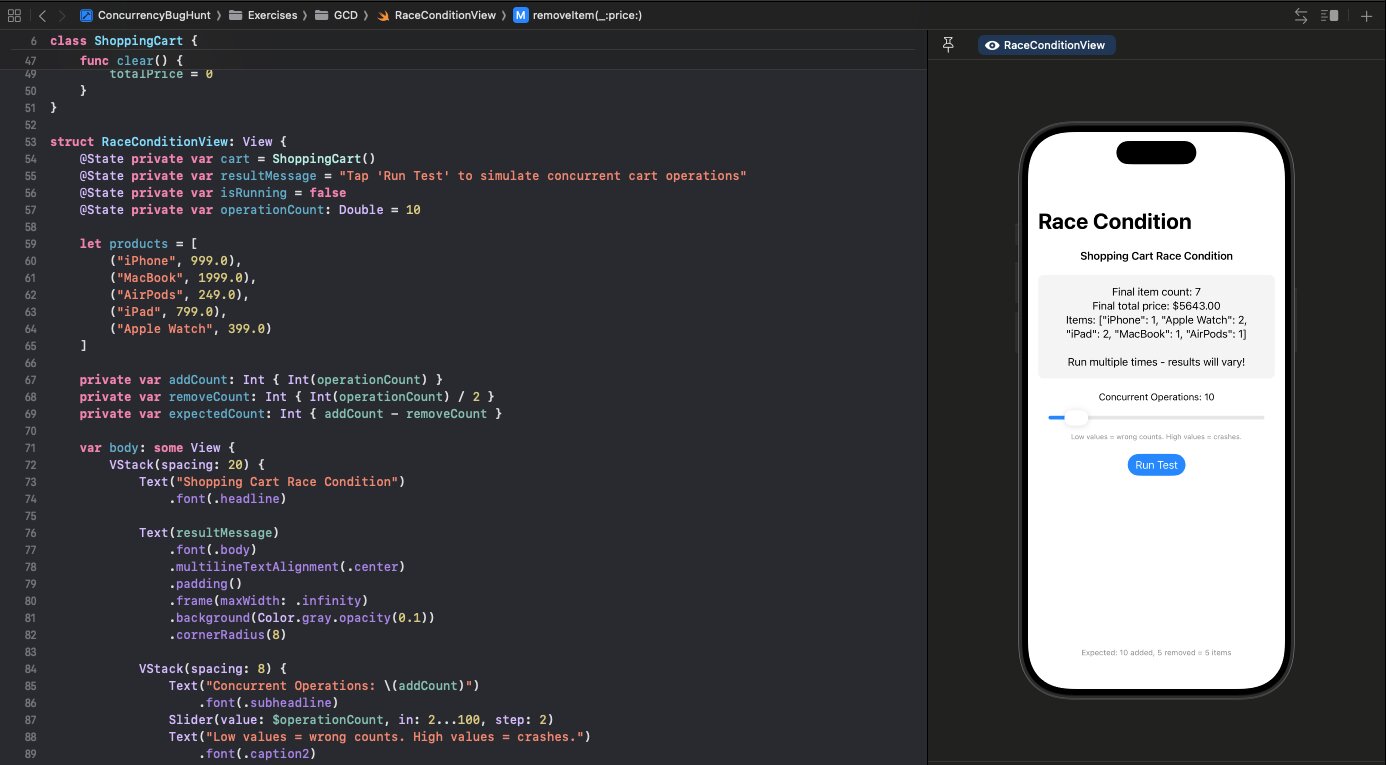
Swift's Dictionary and Array are not thread-safe. Neither is Set. If you've been using them from multiple threads without protection, you've been getting lucky.
Follow along with the code: iOS-Practice on GitHub
The Problem
Standard library collections are optimized for single-threaded performance. When multiple threads access them simultaneously, you get undefined behavior—crashes, corrupted data, or worse, silent data loss.
// This is unsafe
var cache: [String: Data] = [:]

DispatchQueue.global().async {
    cache["key1"] = data1
}
DispatchQueue.global().async {
    cache["key2"] = data2
}
Making Collections Thread-Safe
Option 1: Serial Queue Wrapper
class ThreadSafeCache<Key: Hashable, Value> {
    private var storage: [Key: Value] = [:]
    private let queue = DispatchQueue(label: "cache.serial")

    subscript(key: Key) -> Value? {
        get {
            queue.sync { storage[key] }
        }
        set {
            queue.sync { storage[key] = newValue }
        }
    }

    func removeAll() {
        queue.sync { storage.removeAll() }
    }
}
Option 2: Concurrent Queue with Barrier
For read-heavy workloads, use a concurrent queue with barrier writes:
class ReadOptimizedCache<Key: Hashable, Value> {
    private var storage: [Key: Value] = [:]
    private let queue = DispatchQueue(label: "cache.concurrent", attributes: .concurrent)

    subscript(key: Key) -> Value? {
        get {
            queue.sync { storage[key] }
        }
        set {
            queue.async(flags: .barrier) {
                self.storage[key] = newValue
            }
        }
    }
}
Reads happen concurrently. Writes use .barrier, which waits for all reads to finish and blocks new reads until the write completes.
Option 3: Actor (Swift 5.5+)
The modern approach:
actor Cache<Key: Hashable, Value> {
    private var storage: [Key: Value] = [:]

    subscript(key: Key) -> Value? {
        get { storage[key] }
    }

    func set(_ value: Value, for key: Key) {
        storage[key] = value
    }
}
Actors handle synchronization automatically. All access is serialized.
NSCache
For caching specifically, NSCache is thread-safe out of the box:
let cache = NSCache<NSString, NSData>()
cache.setObject(data, forKey: "key" as NSString) // Thread-safe
Trade-off: it's Objective-C based, so keys and values must be objects.
Common Mistakes
Checking then acting:
// WRONG - race condition between check and insert
if cache[key] == nil {
    cache[key] = expensiveComputation()
}
Fix: Use a single synchronized operation:
func getOrCreate(key: Key, default: () -> Value) -> Value {
    queue.sync {
        if let existing = storage[key] { return existing }
        let new = default()
        storage[key] = new
        return new
    }
}
When to Care
If your collection is:
- A local variable in a single function → You're fine
- A property accessed only from main thread → You're fine
- A property accessed from multiple threads → Make it thread-safe