Main Thread Violations: The Silent Crasher
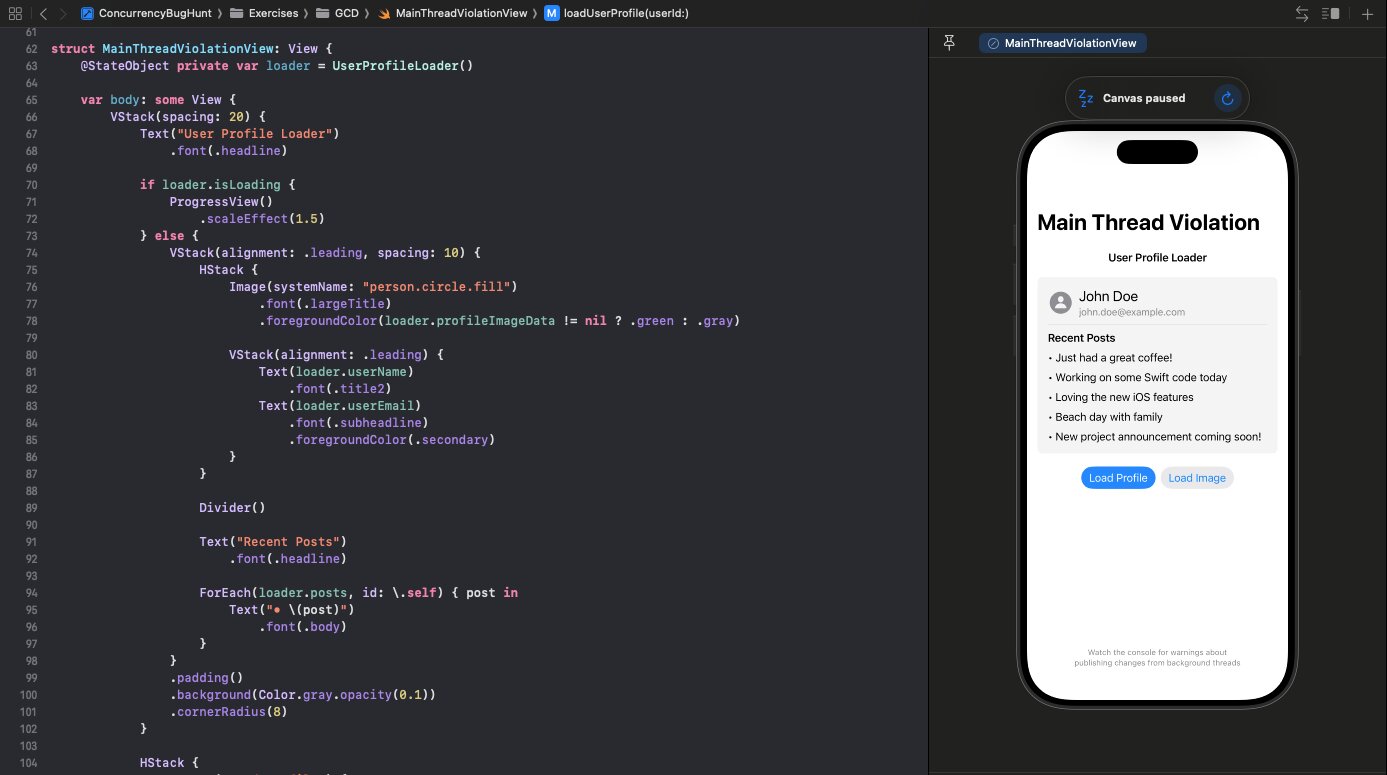
Open Xcode's console and see this purple warning:
Publishing changes from background threads is not allowed; make sure to publish values from the main thread on model updates.
Your app might still work. For now.
Follow along with the code: iOS-Practice on GitHub
The Bug
Here's a common pattern that looks innocent:
class UserProfileLoader: ObservableObject {
    @Published var userName: String = "Loading..."
    @Published var userEmail: String = ""

    func loadUserProfile(userId: String) {
        DispatchQueue.global(qos: .userInitiated).async {
            Thread.sleep(forTimeInterval: 1.0) // Simulate network

            let fetchedName = "John Doe"
            let fetchedEmail = "john.doe@example.com"

            // BUG: Updating @Published properties from background thread
            self.userName = fetchedName
            self.userEmail = fetchedEmail
        }
    }
}
The fetch happens on a background thread (good), but the @Published property updates happen there too (bad).
Why It Matters
UIKit and SwiftUI are not thread-safe. UI updates must happen on the main thread. When you update @Published properties, SwiftUI's observation system kicks in and tries to update the UI. If that happens from a background thread, you get:
- Purple runtime warnings
- UI glitches and delayed updates
- Random crashes (especially under load)
- Undefined behavior
The warning is your friend. Don't ignore it.
The Fixes
GCD: Dispatch to Main
The classic approach—dispatch back to main before updating:
func loadUserProfile(userId: String) {
    DispatchQueue.global(qos: .userInitiated).async {
        Thread.sleep(forTimeInterval: 1.0)

        let fetchedName = "John Doe"
        let fetchedEmail = "john.doe@example.com"

        DispatchQueue.main.async {
            self.userName = fetchedName
            self.userEmail = fetchedEmail
        }
    }
}
Modern SwiftUI: Task + MainActor.run
The idiomatic Swift concurrency approach:
func loadUserProfile(userId: String) {
    Task {
        await MainActor.run { isLoading = true }

        let (name, email) = await fetchUserData(userId)
        let fetchedPosts = await fetchUserPosts(userId)

        await MainActor.run {
            self.userName = name
            self.userEmail = email
            self.posts = fetchedPosts
            self.isLoading = false
        }
    }
}

private func fetchUserData(_ userId: String) async -> (String, String) {
    try? await Task.sleep(nanoseconds: 1_000_000_000)
    return ("John Doe", "john.doe@example.com")
}
Task launches async work. MainActor.run hops back to the main thread for UI updates. Clean separation.
Alternative: @MainActor Class
Mark the entire class as @MainActor:
@MainActor
class UserProfileLoader: ObservableObject {
    @Published var userName: String = "Loading..."
    @Published var userEmail: String = ""

    func loadUserProfile(userId: String) async {
        let (name, email) = await fetchUserData(userId)
        // Already on main actor - safe to update
        self.userName = name
        self.userEmail = email
    }

    nonisolated func fetchUserData(_ userId: String) async -> (String, String) {
        try? await Task.sleep(nanoseconds: 1_000_000_000)
        return ("John Doe", "john.doe@example.com")
    }
}
The nonisolated keyword lets fetchUserData run off the main actor while the class itself stays main-thread safe.
@MainActor Granularity
You can apply @MainActor at different levels depending on how much control you need:
On a Class
@MainActor
class ProfileViewModel: ObservableObject {
    // Everything runs on main by default
    @Published var name = ""

    func updateName(_ newName: String) {
        name = newName // Safe - we're on main
    }
}
Every method and property access is main-thread isolated. Use nonisolated to opt specific functions out for background work.
On a Function
class ProfileViewModel: ObservableObject {
    @Published var name = ""

    @MainActor
    func updateUI(with name: String) {
        self.name = name // Safe - this function is main-isolated
    }

    func fetchData() async {
        let result = await api.fetch()
        await updateUI(with: result) // Hops to main
    }
}
Only the marked function runs on main. Other methods can run anywhere.
Inside a Function with MainActor.run
func loadProfile() {
    Task {
        let name = await fetchName()      // Runs wherever
        let avatar = await fetchAvatar()  // Runs wherever

        await MainActor.run {
            // Just this block runs on main
            self.name = name
            self.avatar = avatar
        }

        await uploadAnalytics() // Back off main
    }
}
Most granular control. Hop to main only for the specific lines that need it, then continue on whatever thread you were on.
When to use which:
- Class-level: ViewModels and ObservableObjects where most work is UI-related
- Function-level: Mixed classes where only some methods touch UI state
- MainActor.run: Fine-grained control in complex async flows
Spotting the Bug
In code review, look for:
@Publishedproperties being set insideDispatchQueue.global().asyncObservableObjectclasses without@MainActor- Callbacks from URLSession or other async APIs directly updating UI state
The Rule
Fetch on background, update on main.
Every time you dispatch to a background thread, you need a path back to main before touching UI state.
SwiftUI vs UIKit: A Mental Shift
In UIKit, you'd fetch data, then explicitly update the UI—so dispatching to main felt like a UI concern. SwiftUI is different. With @Published properties bound to views, mutating the model is updating the UI. They're the same operation.
This means main thread safety moves from the view layer to the model layer. You're not dispatching to update a label—you're dispatching because changing userName triggers a view refresh automatically. The binding does the work for you, but it also means the thread you're on matters earlier in the chain.